 Create - Basic
Create study sets with the exact terms and definitions you want. This lets you fully customize sets for every study mode, including adding images from your library. You can also use AI to fact-check your terms and definitions for accuracy with the Fact Check button.
 Create - Synthesize
Synthesize Mode allows you to combine two or more sets using AI. Select the sets you want, then tap Create to merge them into one. Use the search bar to quickly find a specific set, and add instructions in the Theme section to customize how the AI combines them.
 Create - Generate
Generate Mode lets you create study sets from your notes using AI. Upload up to 50 PDFs and 10 images for one set, then give the AI instructions on how to organize the content. You can also use Link Folder to connect multiple files and generate a set from them.
Additional Set Information
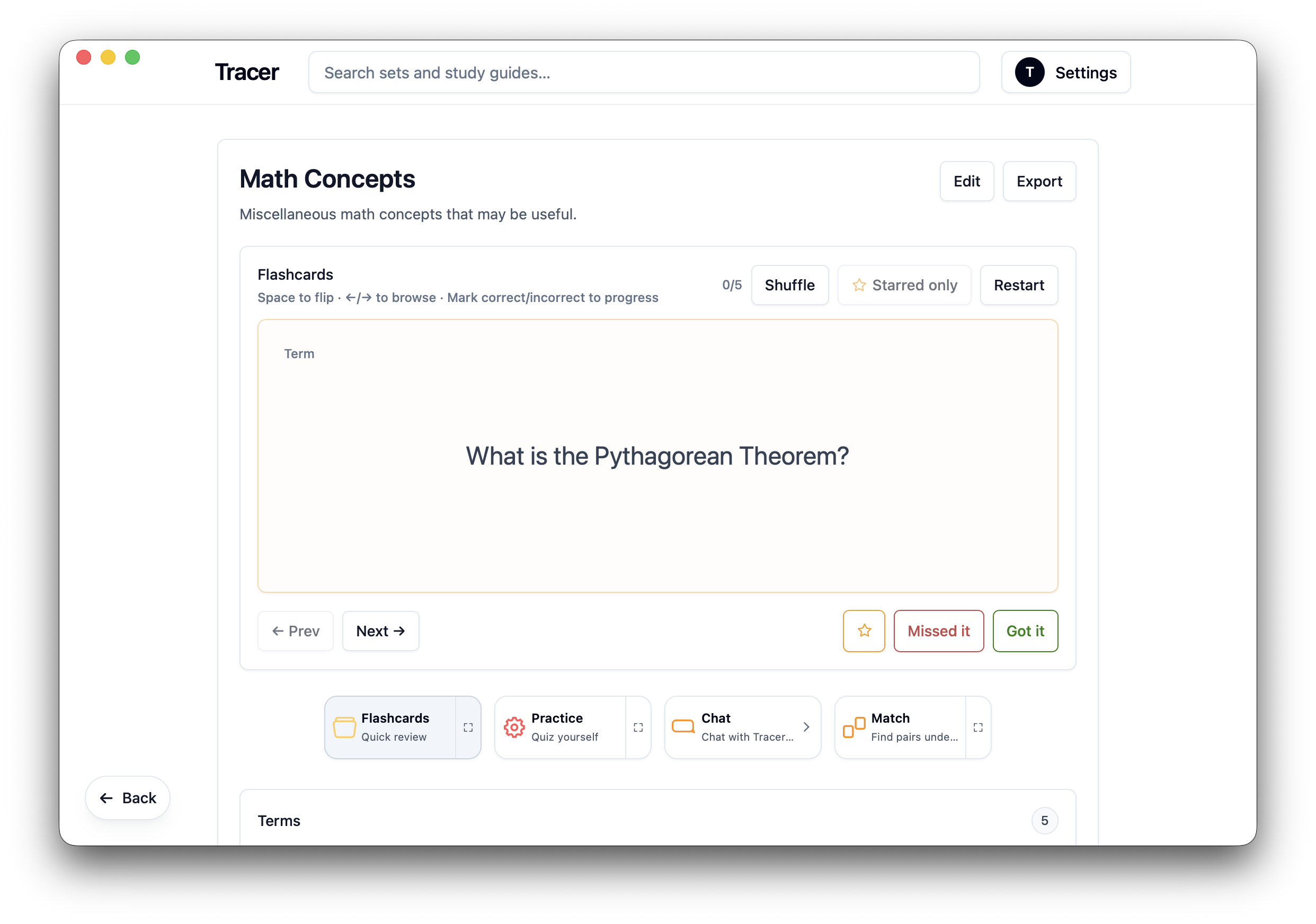
After creating a set, you can export it, share it privately, or publish it for everyone to view. You can also edit your sets anytime and customize their images using preset options with the Edit button.